

Your whole semester on one board.
Studyboard keeps every class, deadline, note and file in one place. Let Today's Plan help you pick what to do next, get help from a study companion with optional AI enhancement, and study with flashcards, quizzes and your classmates.
Windows comes from the Microsoft Store. The Mac installers aren’t code-signed yet, so macOS may warn you before opening them.
Everything a term throws at you, sorted.
Built for how students actually work: lots of classes, shifting due dates and too many PDFs.
Today's Plan
Always knows what's next, and fits it in.
Study Companion & AI
A study buddy that explains, plans and quizzes you.
School Site Sync
Connect Canvas, Brightspace or Blackboard once. Every deadline lands on your board, and a syllabus works too.
Record Lectures
Live captions, then notes and flashcards made for you.
Flashcards & Quizzes
Spaced repetition, quizzes and a free deck library.
Board & Timeline
Drag work to Done and see the whole term.
Quick Add
Type it like you'd say it. Studyboard fills in the rest.
Focus & Study Together
Focus timers, on your own or with your group.
Grade Tracker
Know exactly what you need on the final.
Search Everywhere
Find anything, even words inside your PDFs and lectures.
Notes & Stickers
A corkboard of sticky notes you can decorate.
Study Groups
Share decks, chat, and find a time that works for everyone.
Meet your study companion.
Every theme has three little companions who live in your scene, study with you and cheer on your wins. Enable AI and your companion becomes your helper for the whole app.
- Ask About This. Your companion explains the card, note, task, file or course on your screen.
- Exam Prep Planner. Turns an exam date, your notes and your decks into a day-by-day plan.
- Make study material. Flashcards, quizzes and study sets from your notes or a PDF.
- Syllabus in, deadlines out. Drop in a syllabus, and get quick time estimates for many tasks at once.
- Ask With AI. Search finds things by meaning and tells you where it found them.
- Grows with you. Companions unlock accessories as you study and celebrate when you finish things.
AI is optional and off until you add your own key (a free Google Gemini key, or Claude or ChatGPT). Each question sends only the parts of your planner it needs, straight from your device to the company you chose.
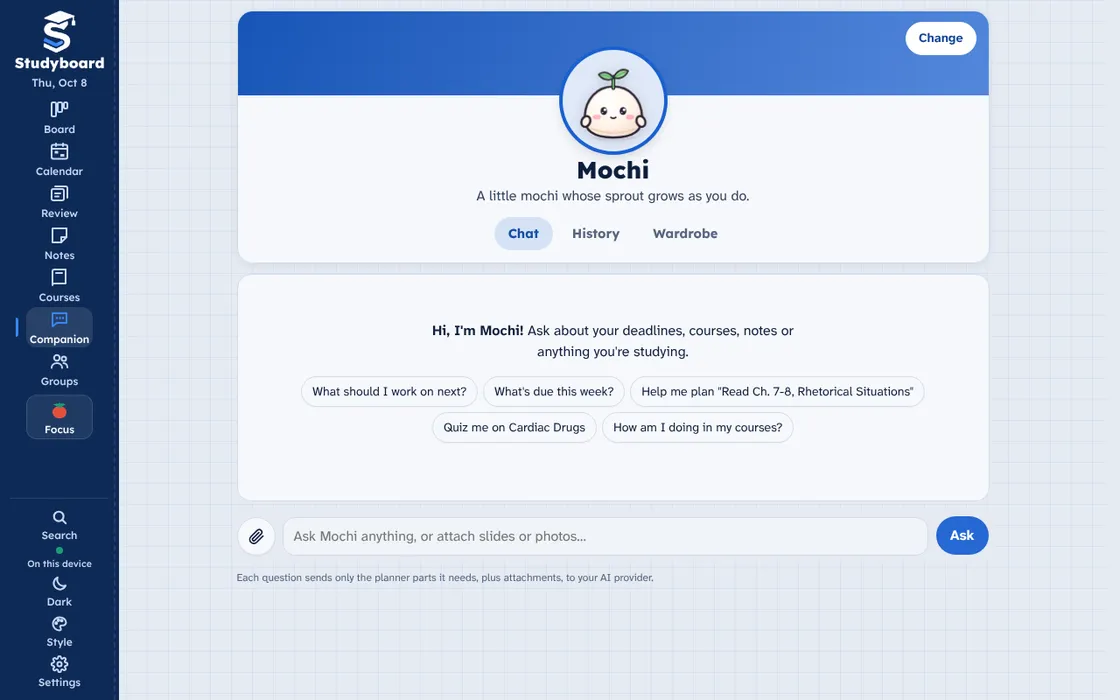
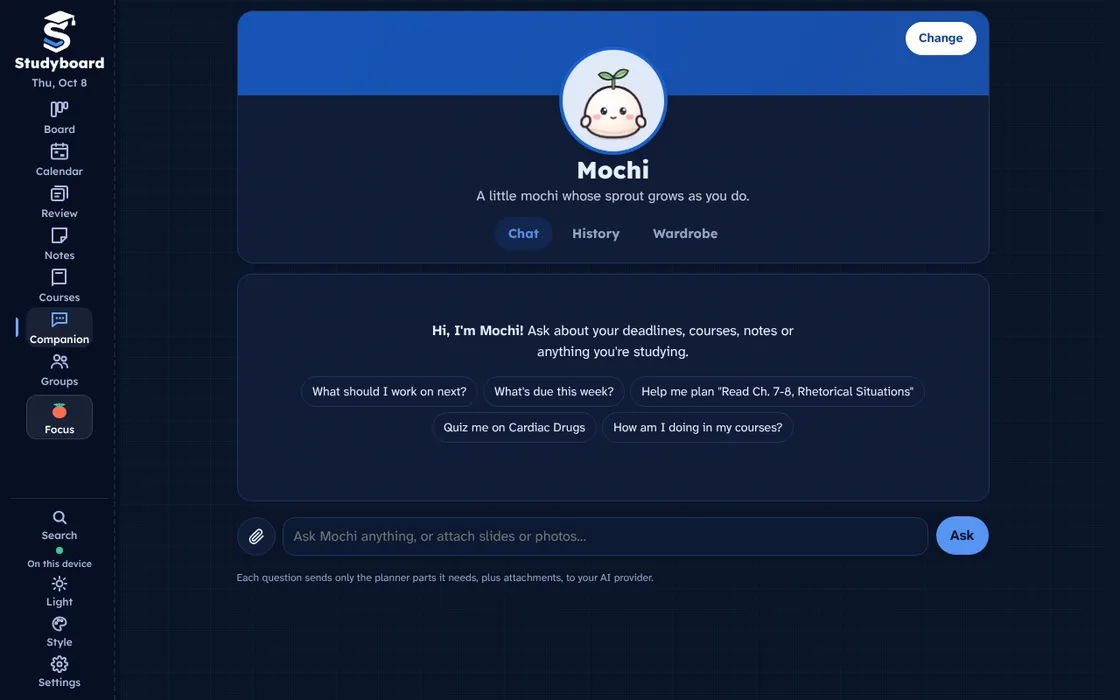
Your companion, Mochi, ready to answer questions about your own deadlines, courses and notes. Free comes with 6 companions, Pro adds 204 more.
This is the real app.
These are screens from Studyboard itself, with sample student data.
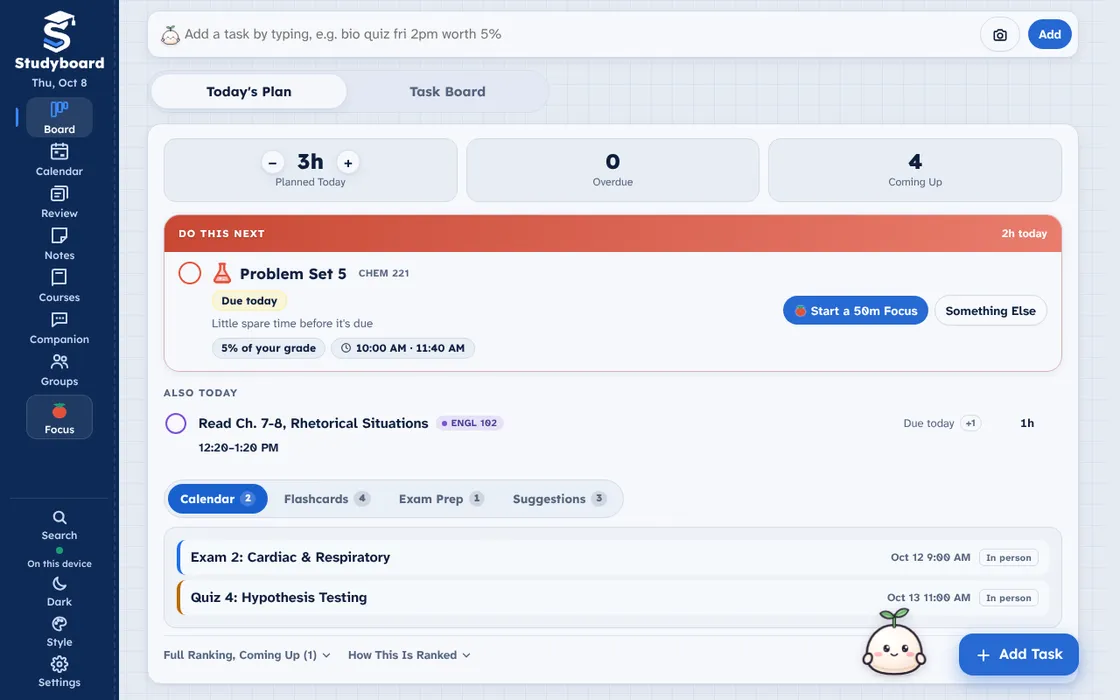
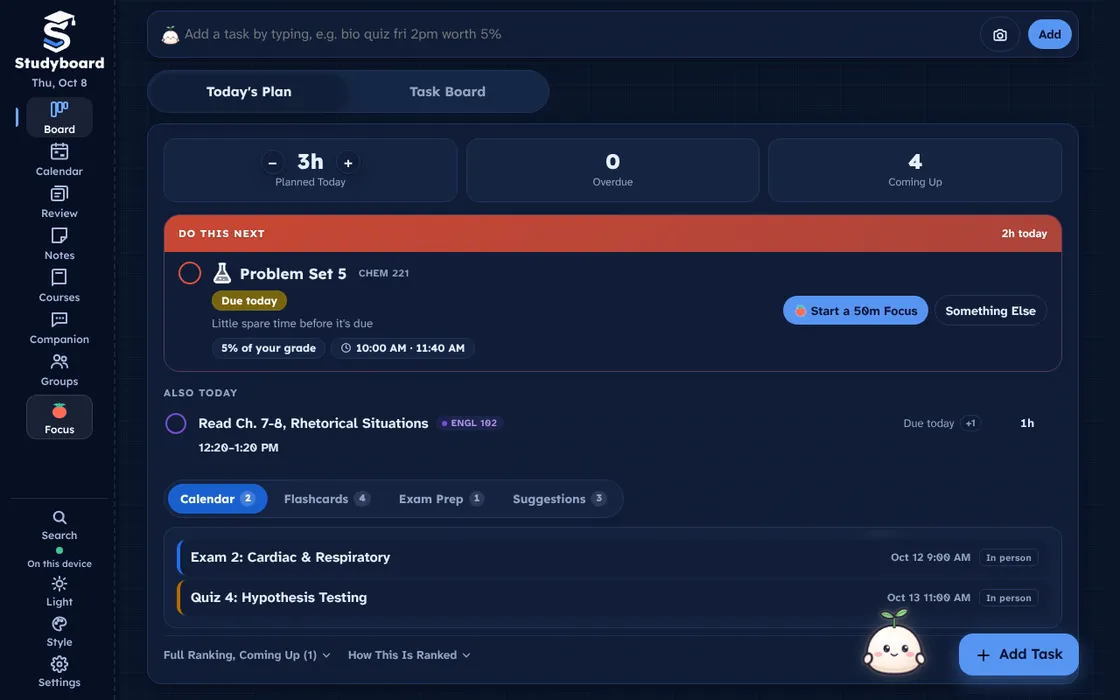
Today's Plan ranks what to work on, fits it into your free time and shows what is coming up on the calendar.
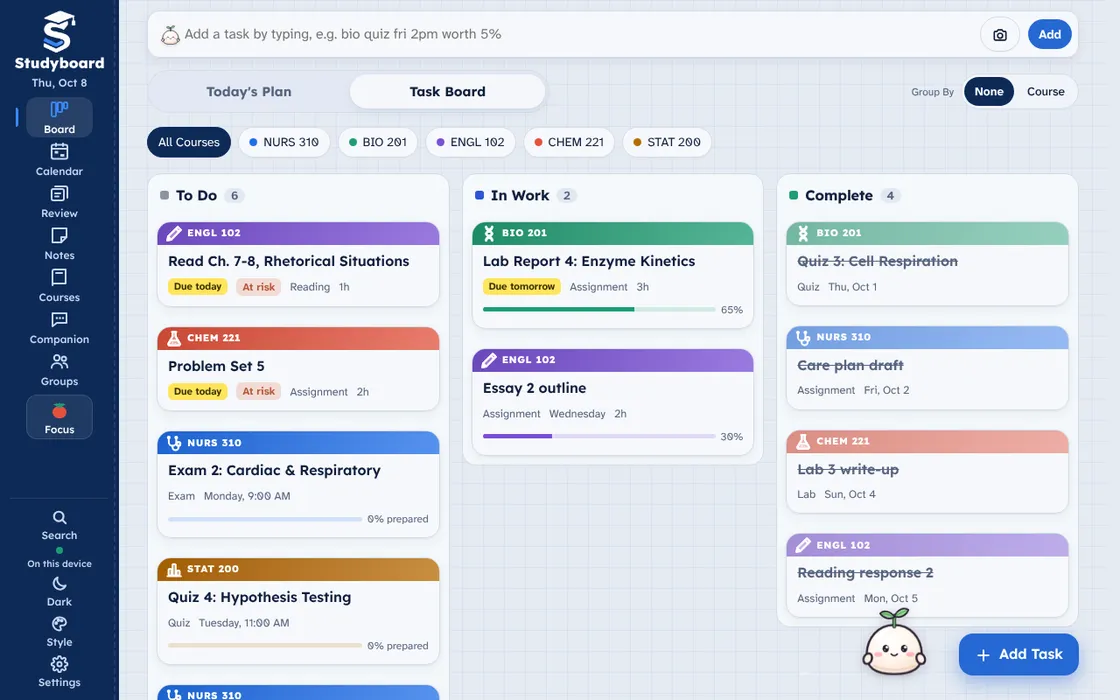
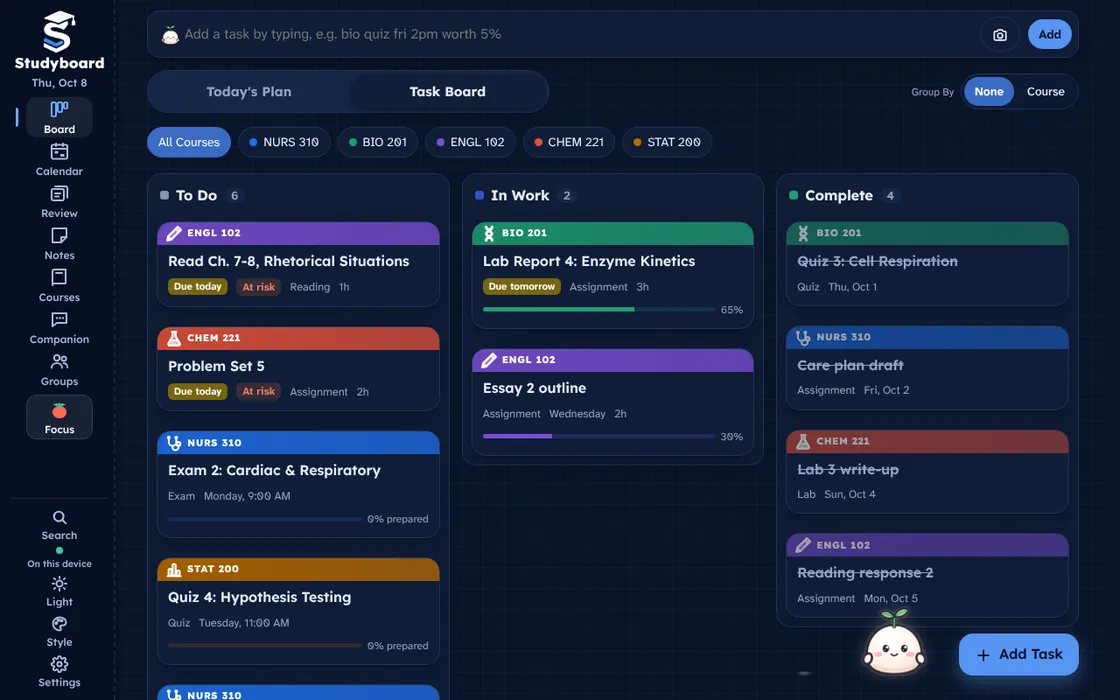
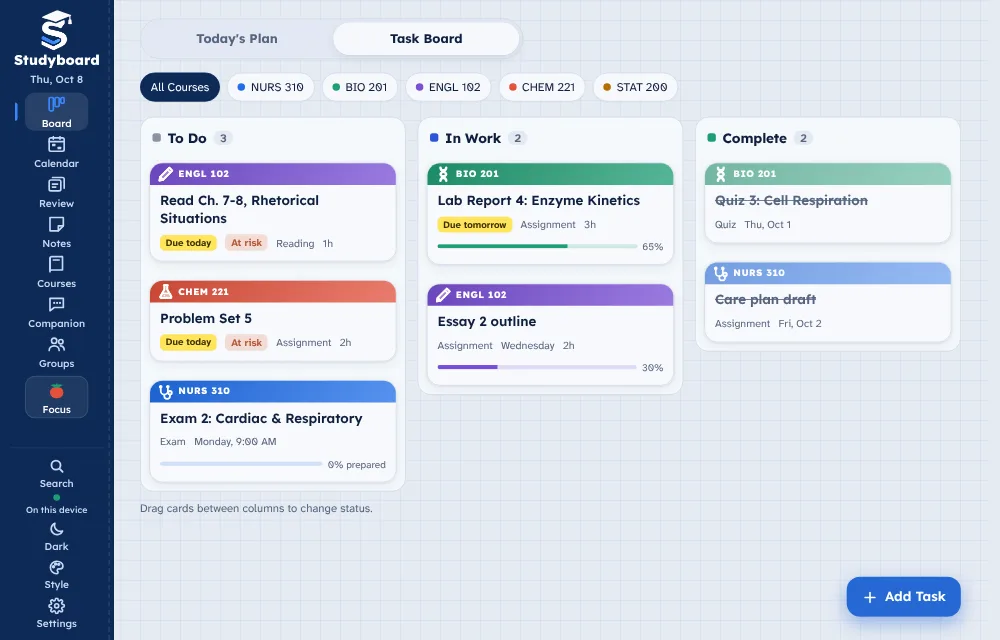
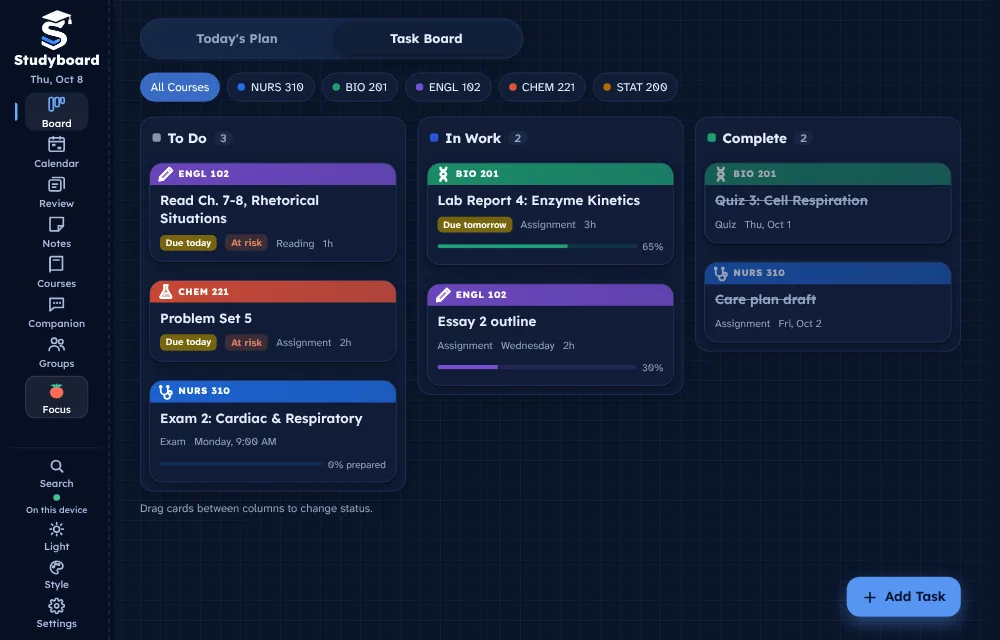
Drag work from To Do to In Work to Complete. Every class has its own color and filter.
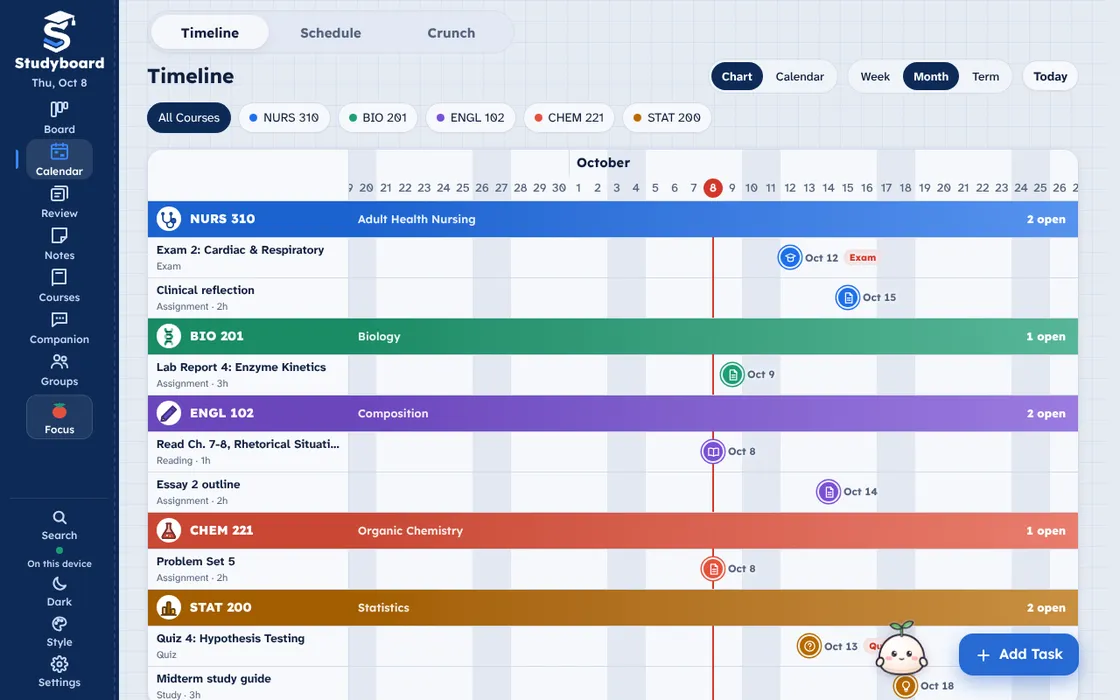
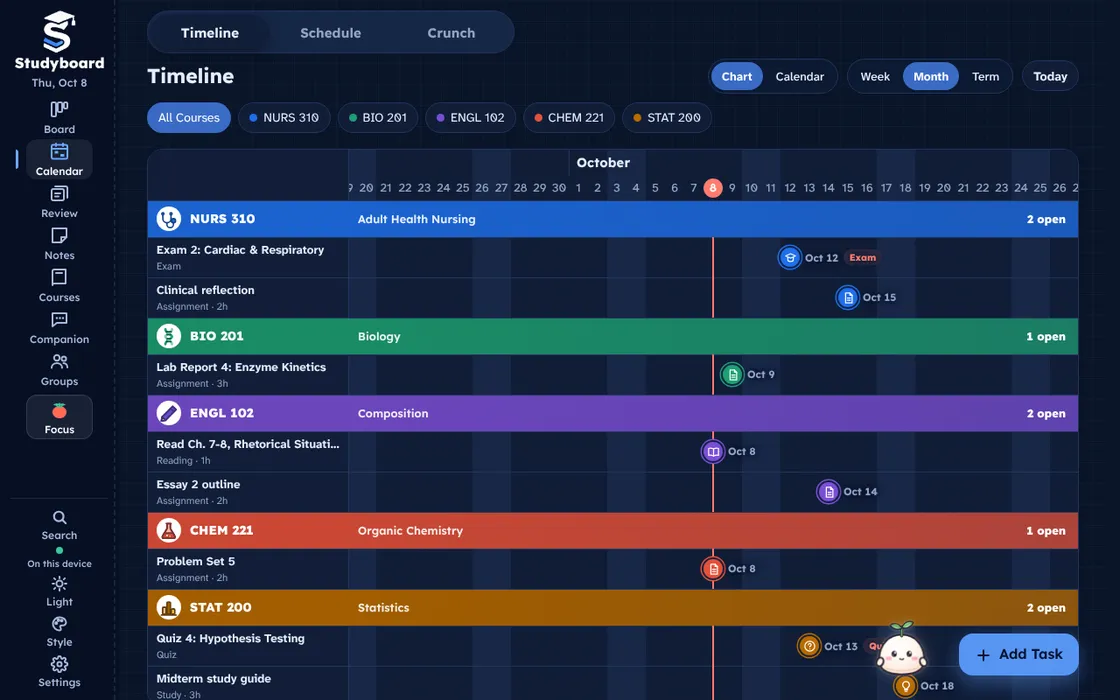
See every deadline across the term as a chart, a calendar or a weekly schedule.
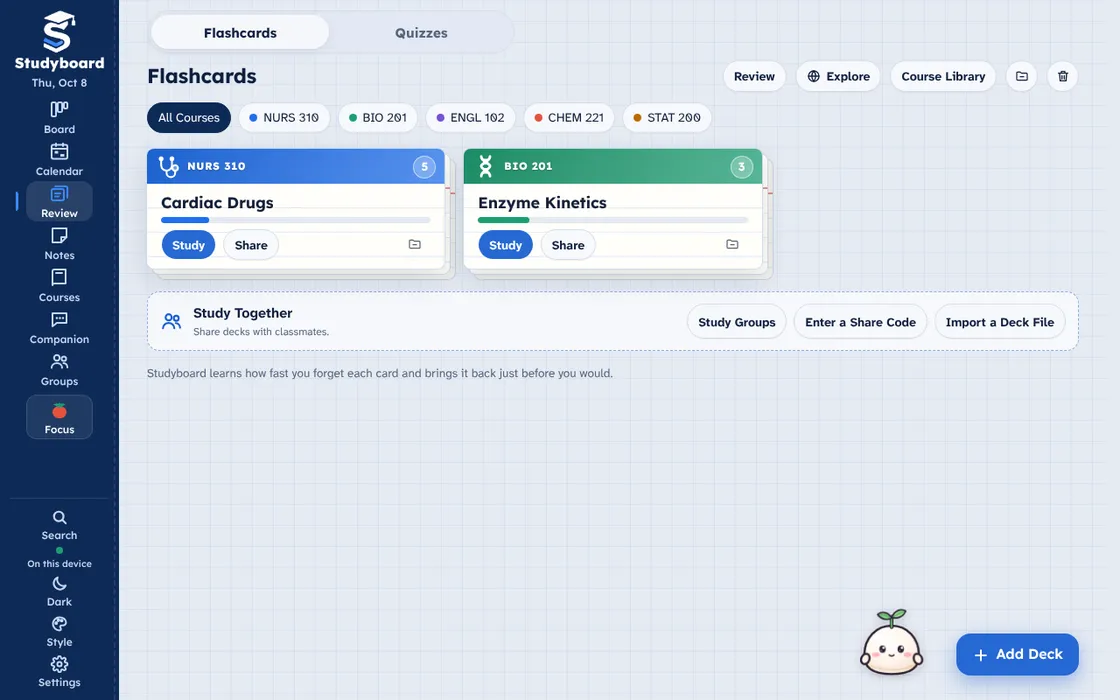
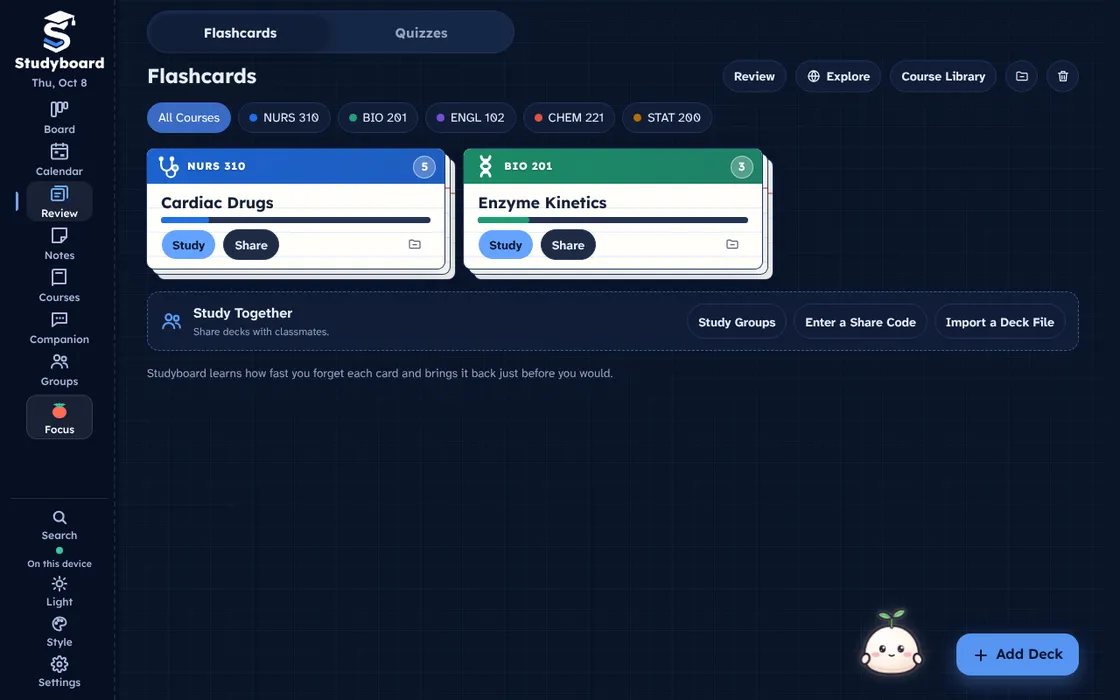
Spaced-repetition decks in the Review tab. Study, play Match, or publish a deck so classmates in your course can find it.
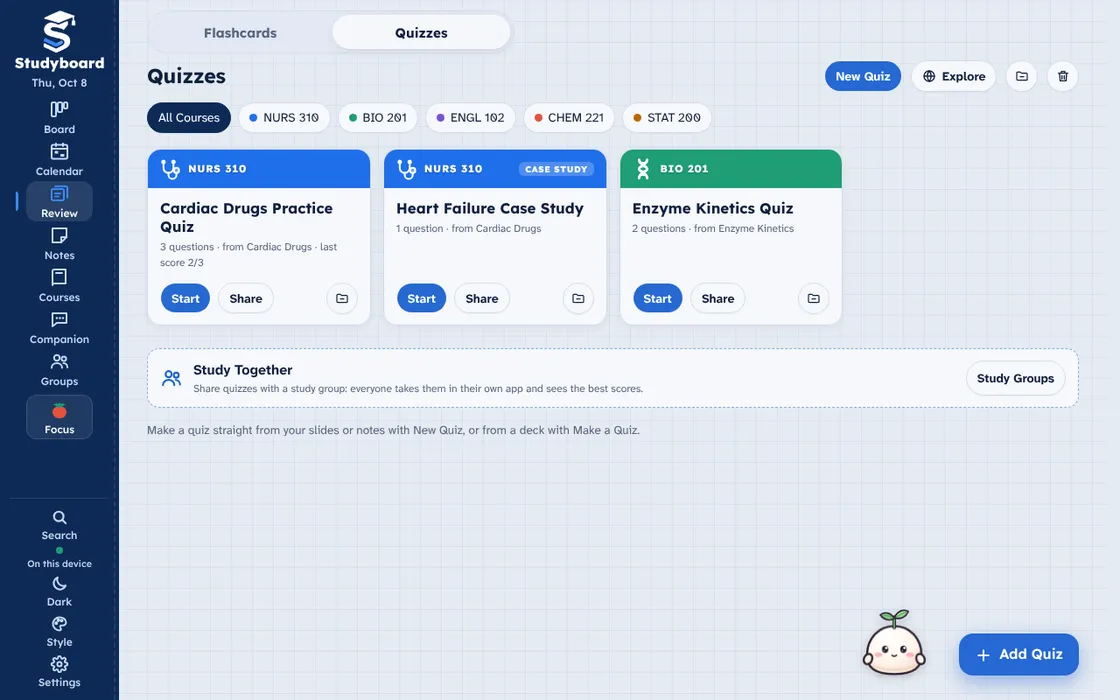
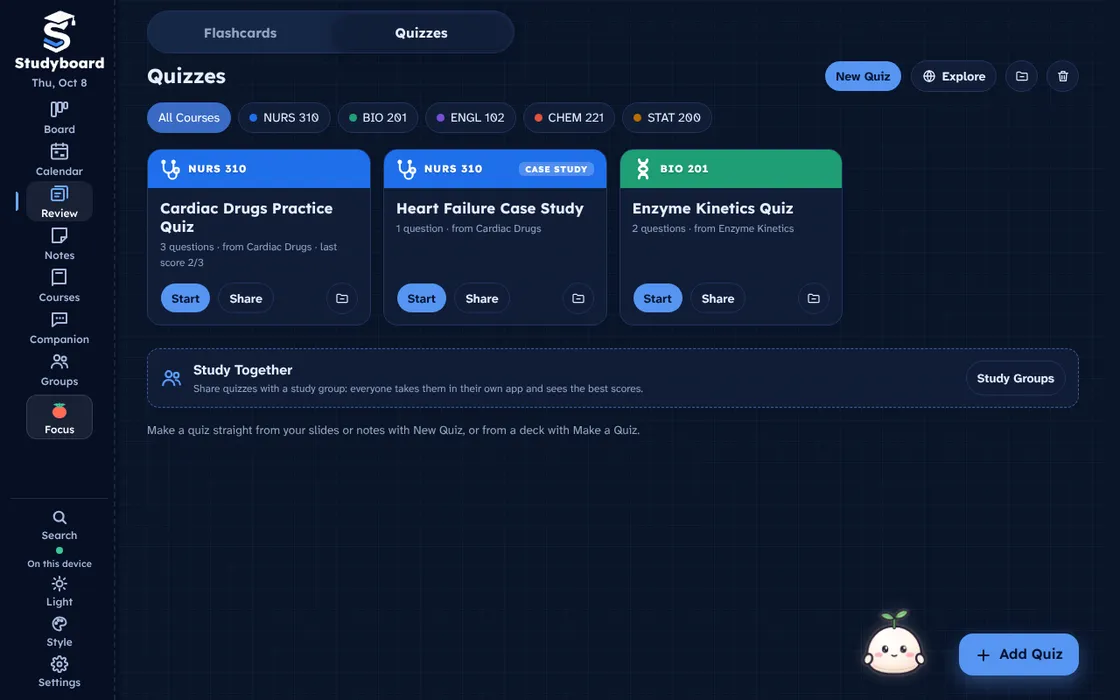
Practice quizzes and case studies made from your decks or your notes. Tap one to see its questions, share it with a group, or archive it.
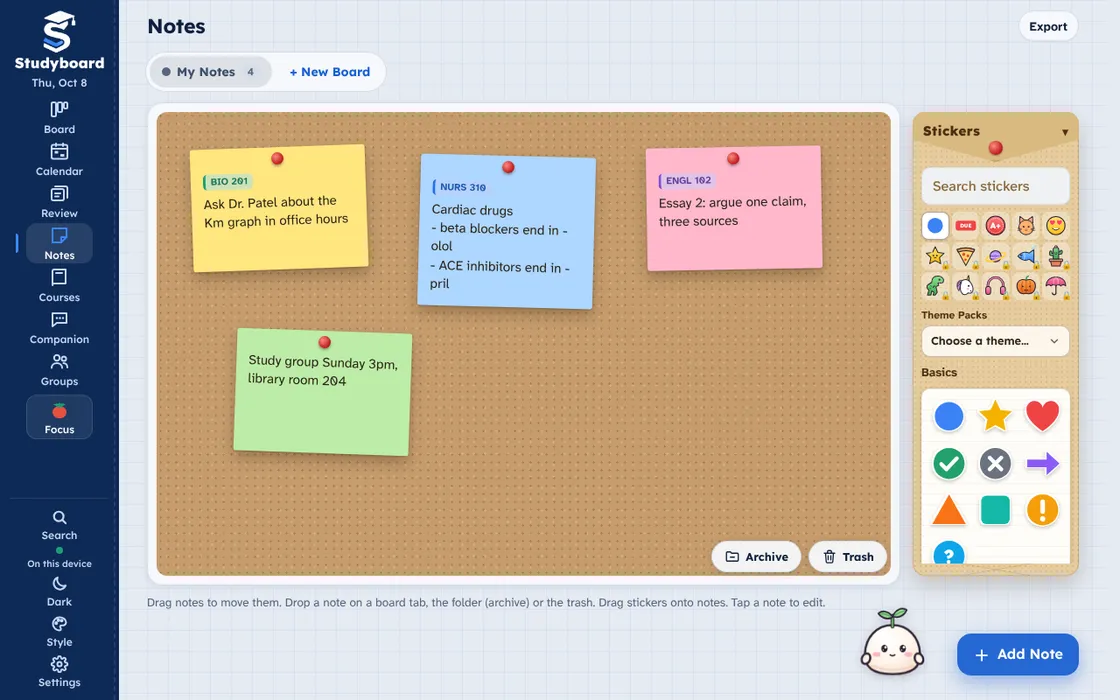
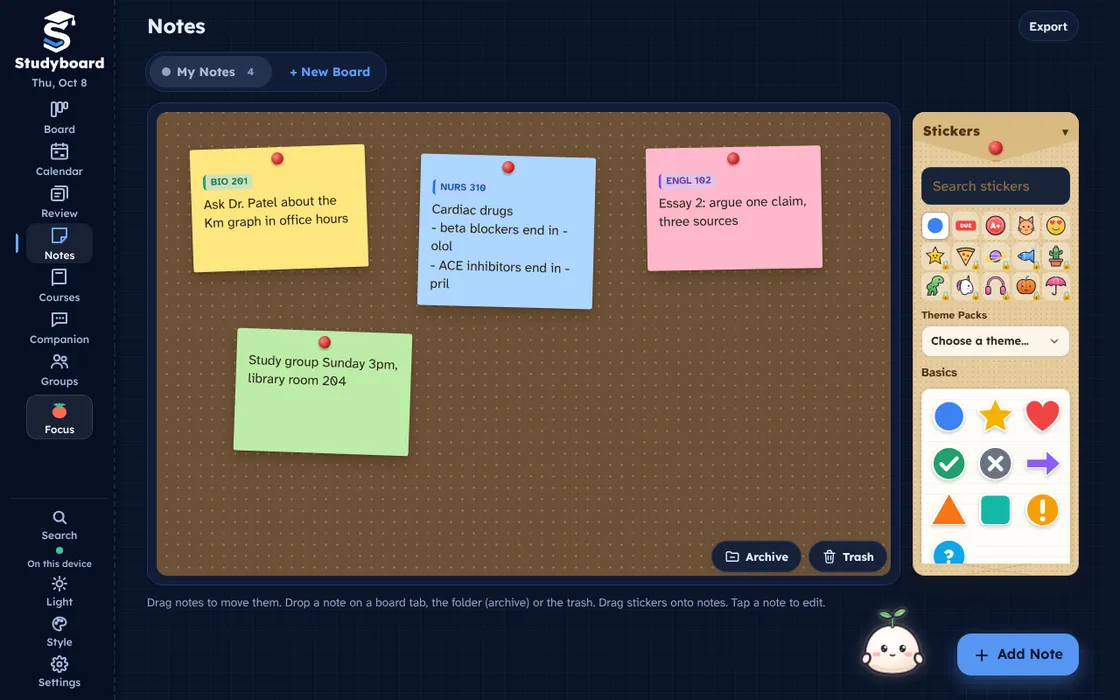
A corkboard of sticky notes with pins and stickers you can move, resize and turn. Drop one on a course to keep it together.
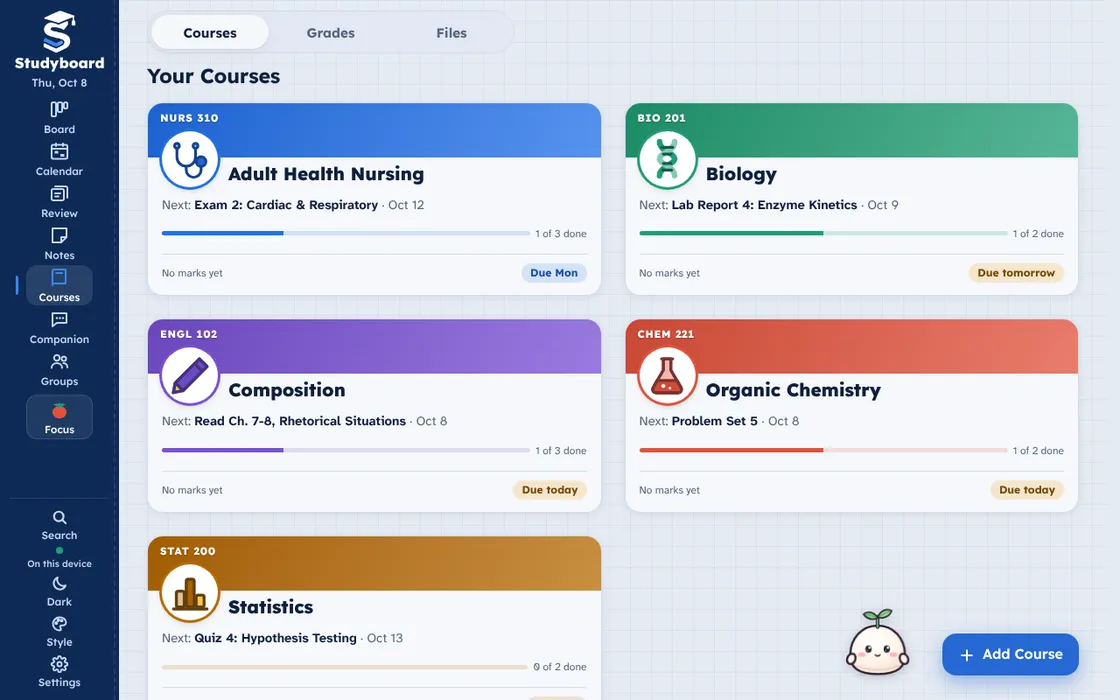
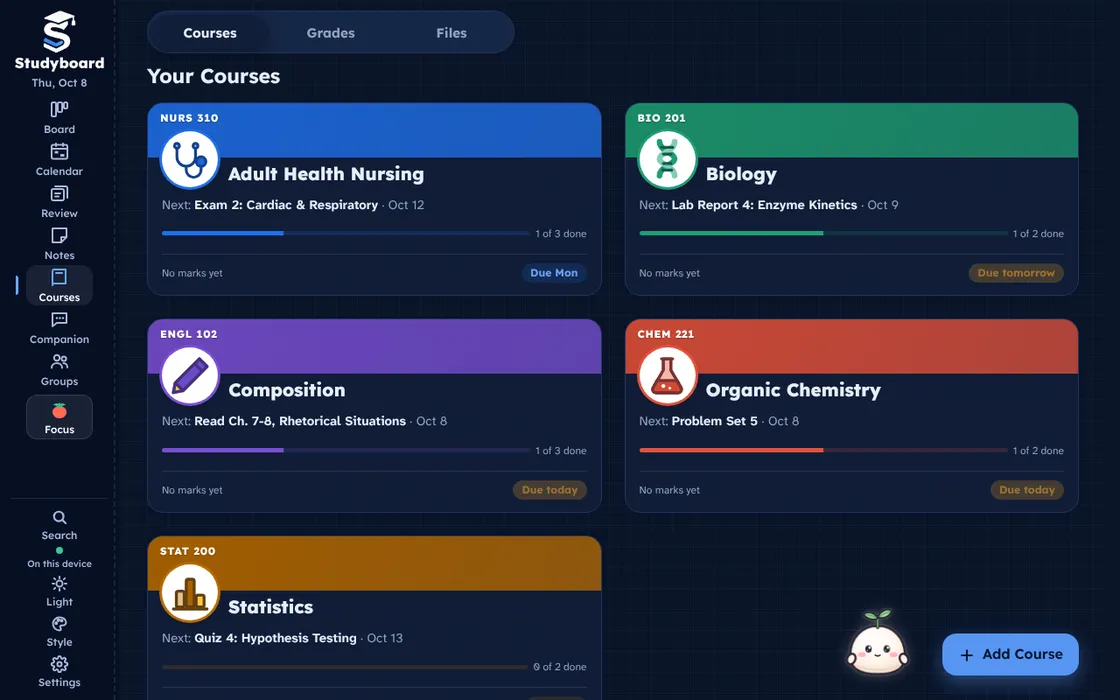
Every course with its own icon, progress, grades, emails, files and recorded lectures in one place.
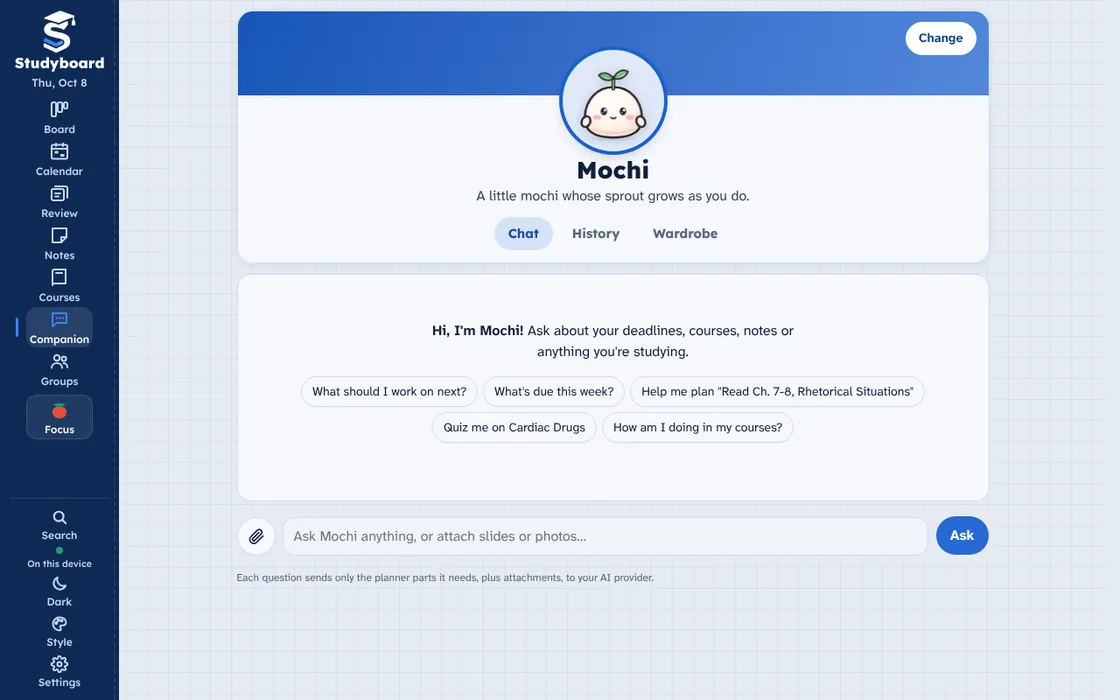
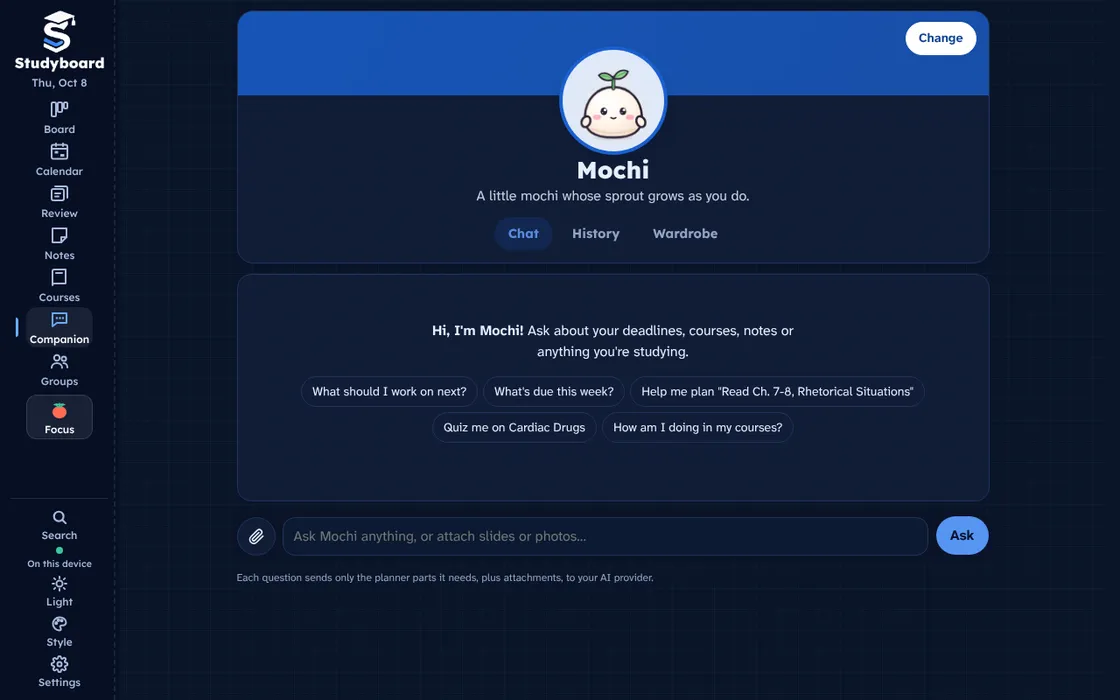
Ask your companion what to work on next, what is due, or to quiz you on a deck.
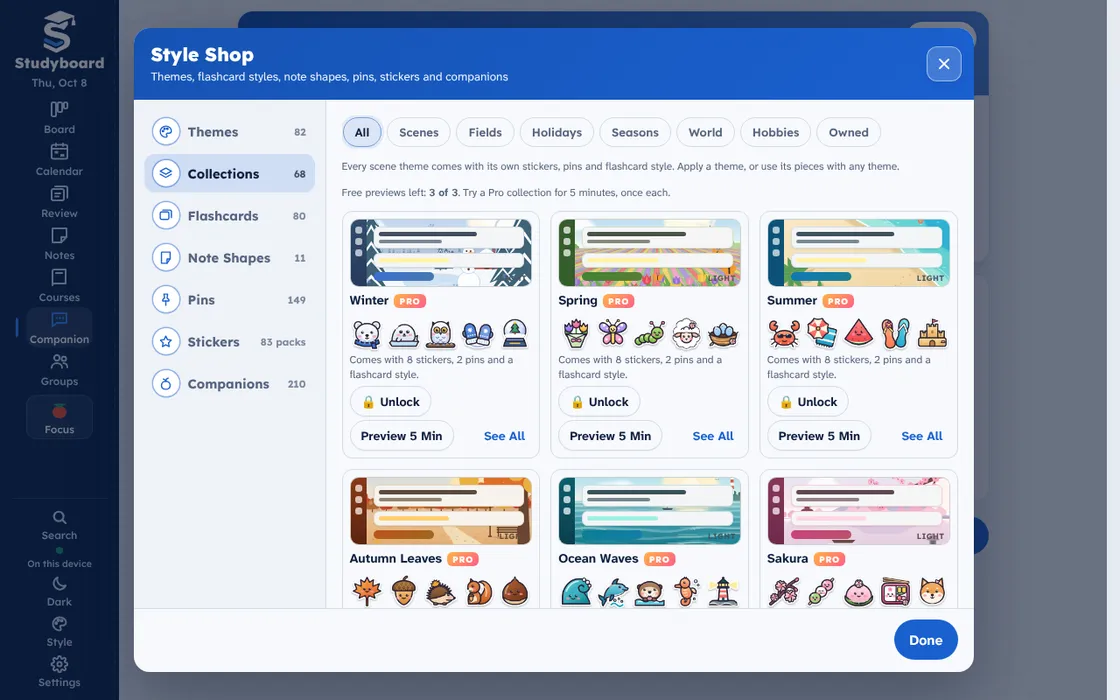
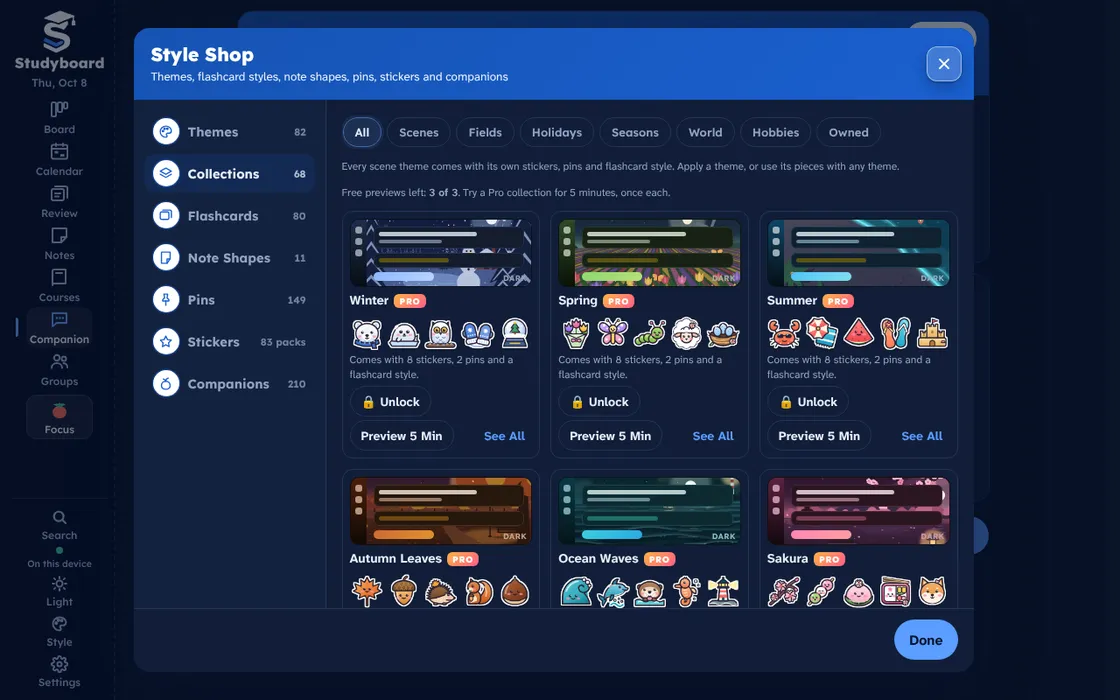
Pick a theme, or try a Pro collection free for five minutes.
Study somewhere you like being.
Studyboard comes with 14 color themes for free. Pro adds 68 living scene themes, from the four seasons and Japan to your major, your hobby or the holidays. These are the real thing, each with its own animated scene and its own companions.
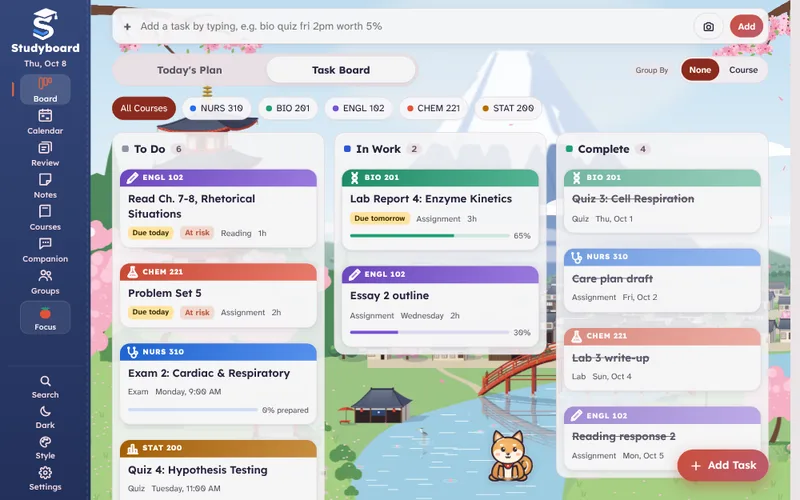
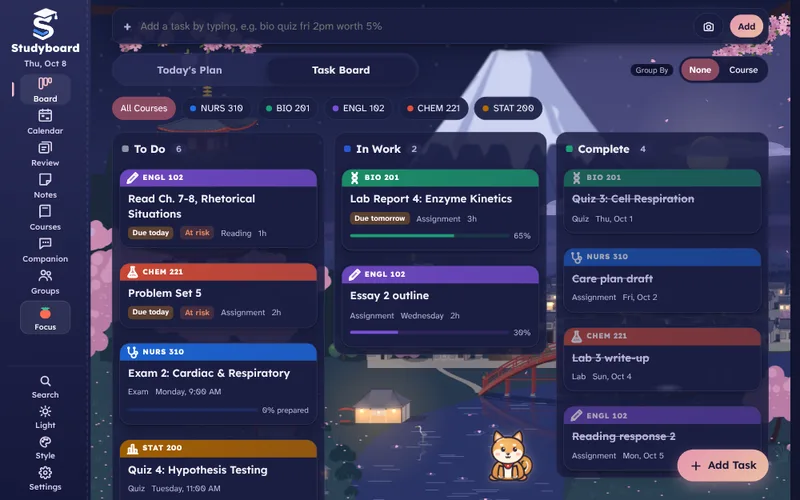
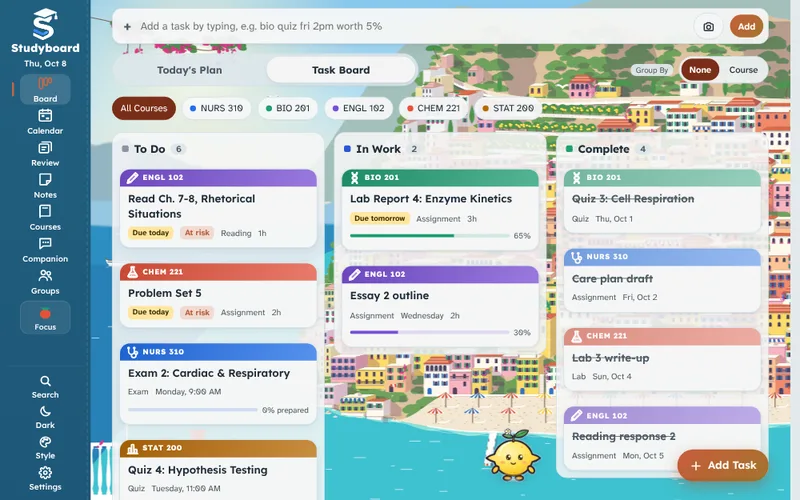
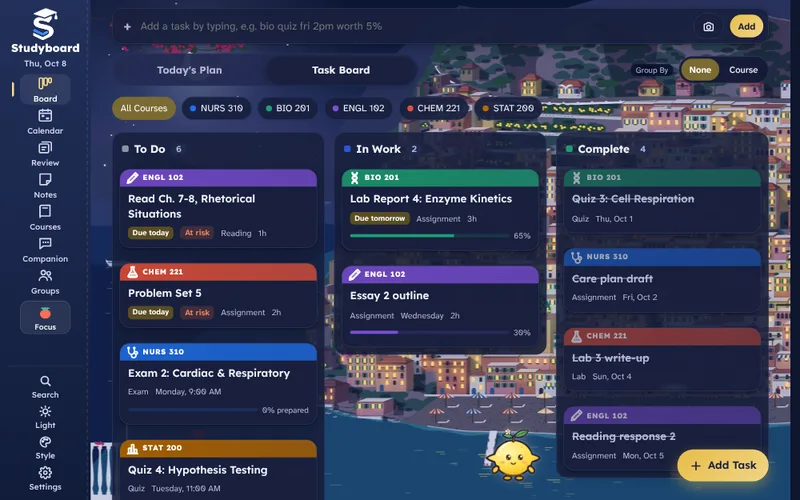
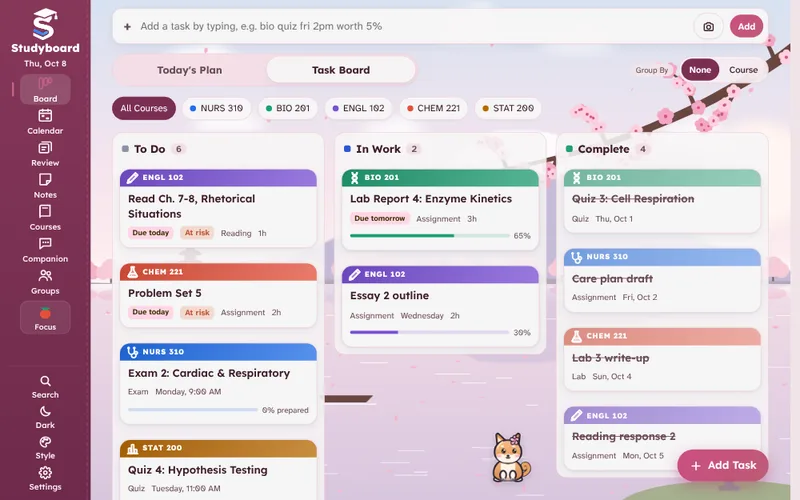
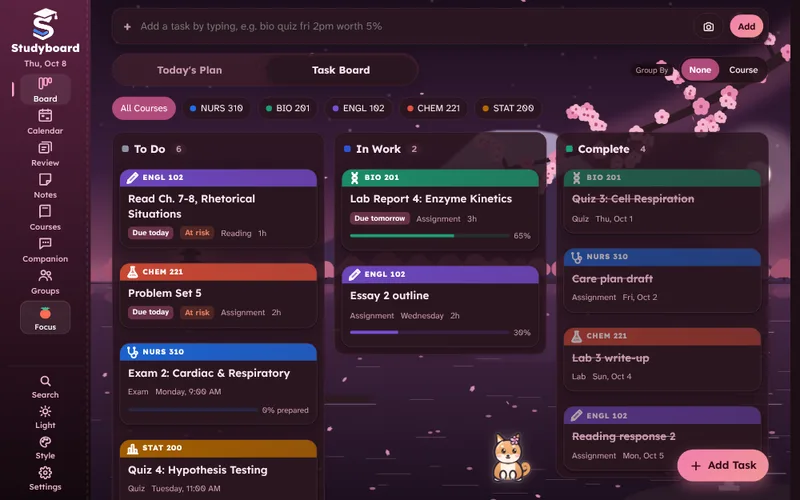
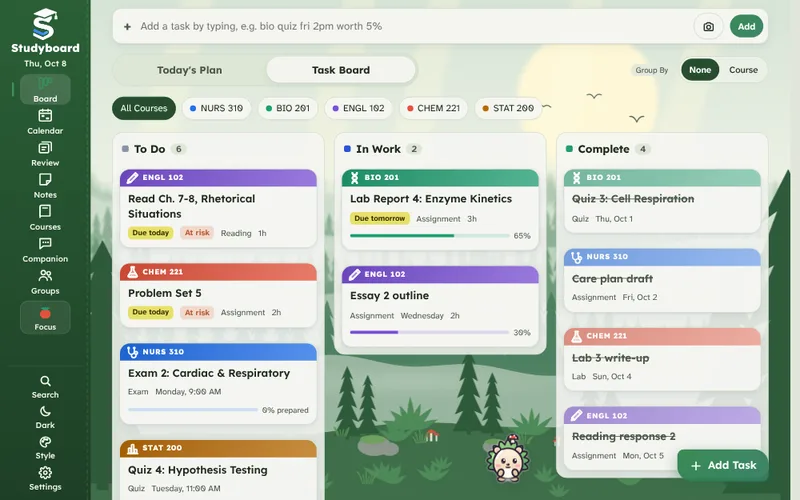
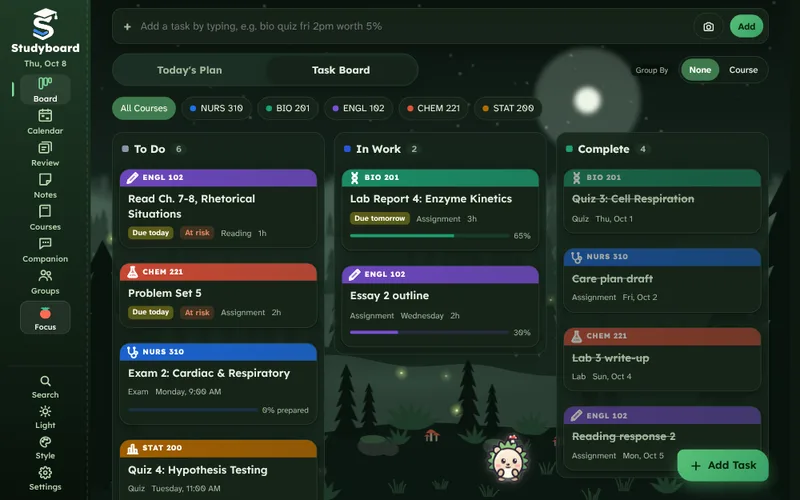
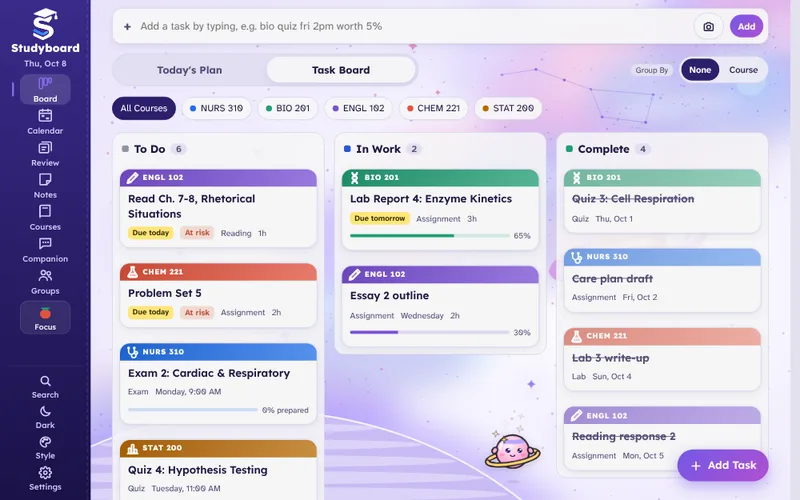
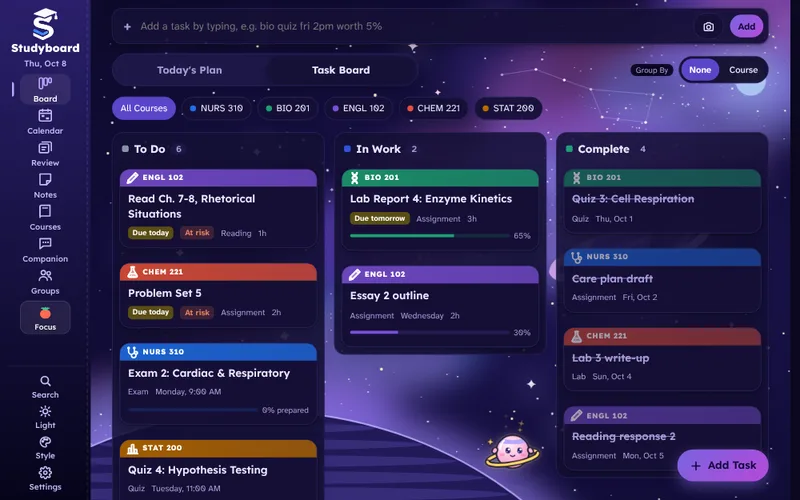
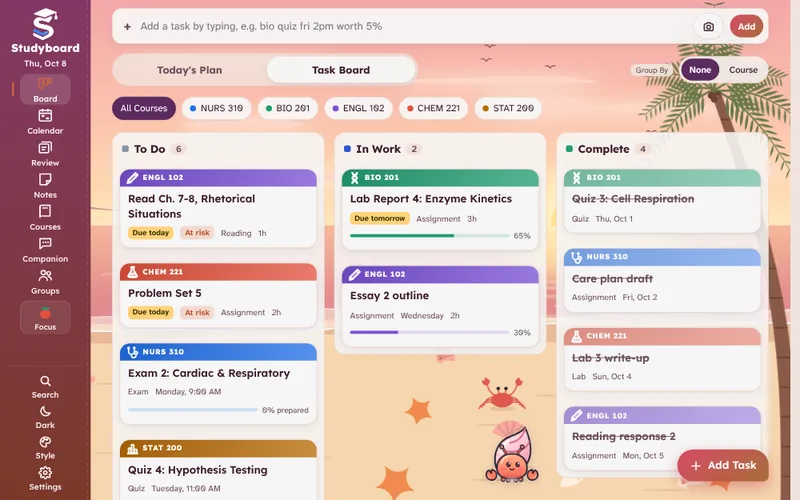
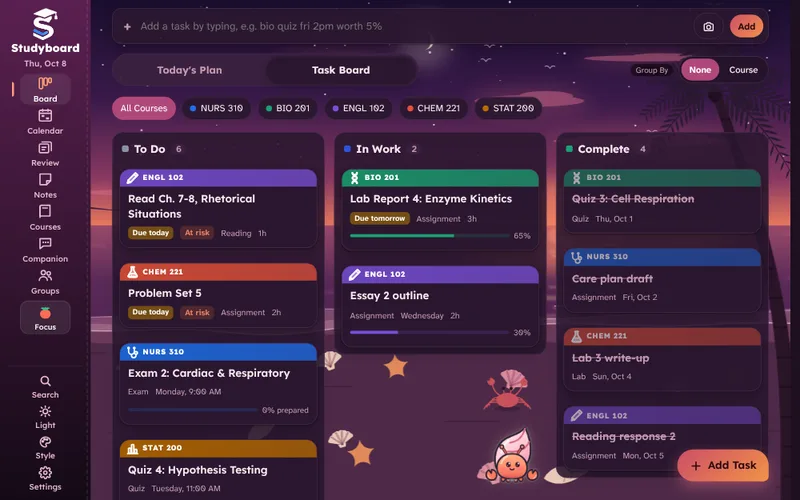
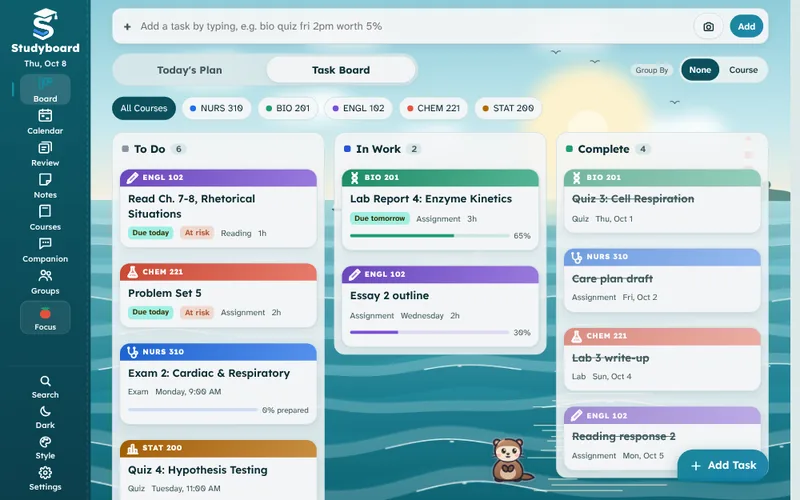
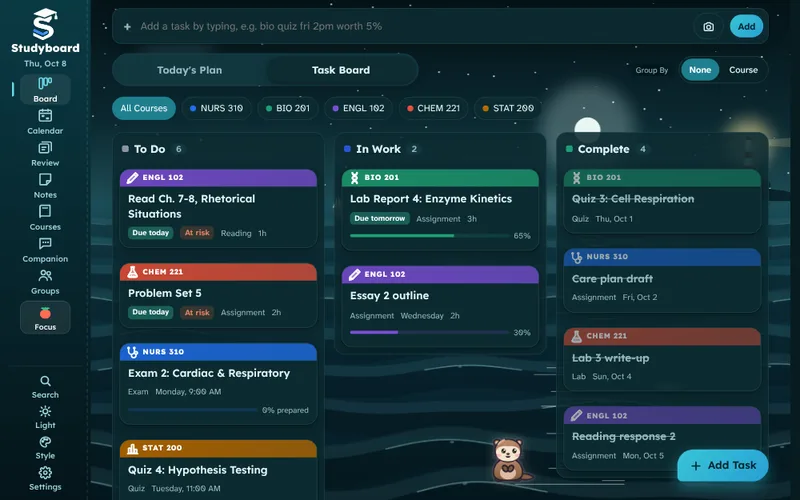
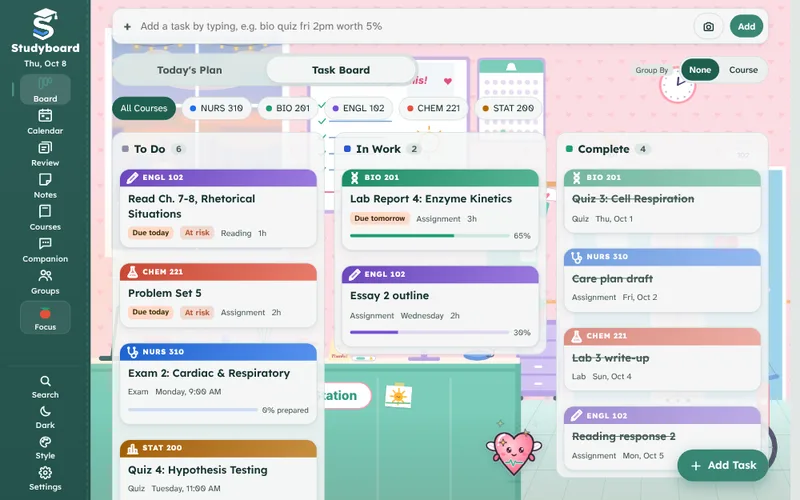
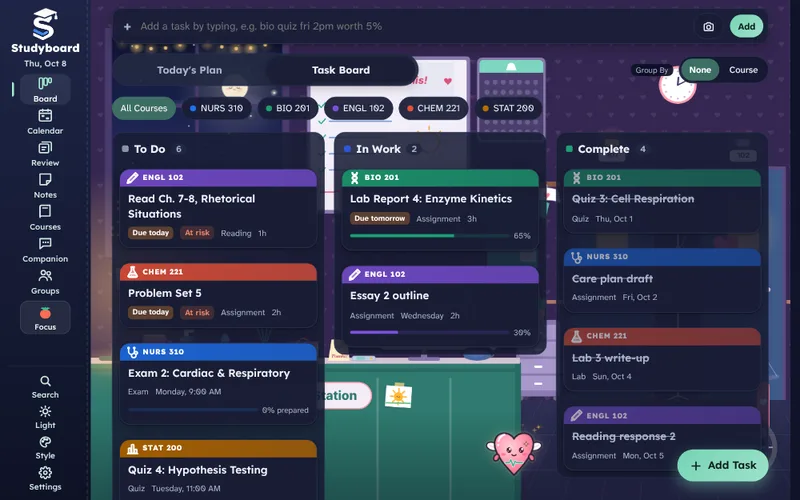
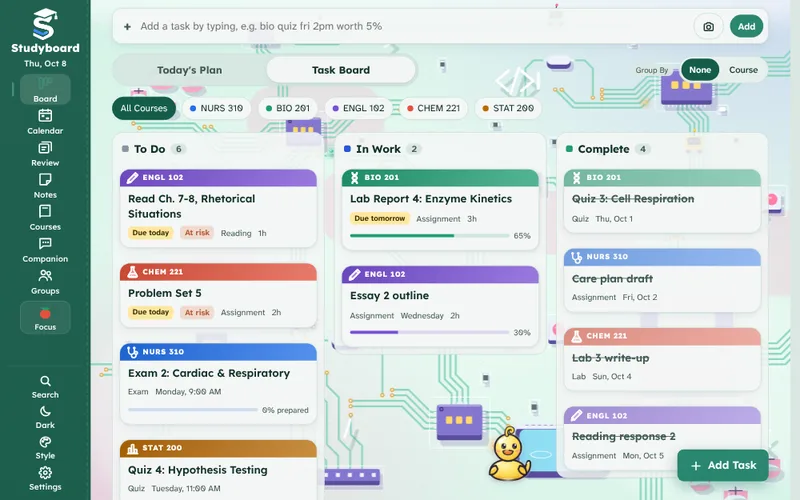
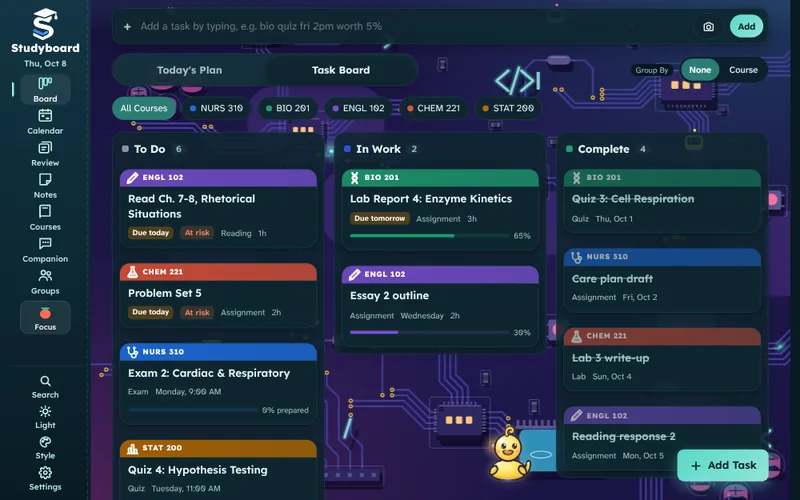
Every scene theme comes with its own stickers, pins and flashcard style.
- Try 3 Pro collections free for 5 minutes each, right in the Style Shop.
- Turn your own photo into a full theme with matching colors.
- A term scrapbook fills with stickers for real milestones: grades, streaks and focus hours.
- Made to be readable: Atkinson Hyperlegible type, screen reader labels and calm motion when you ask for it.
Start on your laptop, finish on your phone.
Sign in once and your board follows you. Changes sync between your devices, and anything you do offline catches up the next time you are connected.
- Sync on Your DevicesTasks, notes, decks and files follow you. Free syncs on 2 devices; Pro has no limit.
- Google Drive and OneDriveKeep files and lecture recordings in your own Drive or OneDrive, free. They show up in their courses and open on any device.
- Works OfflineKeep working on a bus or a plane. Everything catches up the next time you are online.
- BackupsA copy of your planner stays on your device, and it can back up every hour to your own Google Drive or OneDrive. Pro adds 30 days of online backup history.
- Your Calendar App TooAdd a live calendar link so deadlines, classes and events show up in Apple, Google or Outlook Calendar.
- Your Data Is YoursNo ads, no tracking. Delete your account and everything stored online from Settings, any time.
Free to start. Pro when you want more.
Every new account starts with 7 days of Pro, free and with no card. After that, keep using Free or pick a plan. Cancel any time from your account. Prices in USD.
Free
$0
- The whole planner and every study tool
- Your first 7 days with Pro, no card
- Sync on 2 devices
- 14 color themes
- 25 MB of cloud files
- Google Drive and OneDrive
Pro Semester
$12.99 / 4 months
- One payment a semester
- About $3.25 a month
- Everything in Pro, below
Free and Pro, Side by Side
| What | Free | Pro |
|---|---|---|
| The planner and every study tool | Everything | Everything |
| Devices that sync | 2 | Unlimited |
| Cloud file storage | 25 MB | 10 GB |
| Synced data | 25 MB | 250 MB |
| Themes and styles | 14 plain themes, plus 3 free 5-minute previews of Pro collections | All 68 animated themes and every premium flashcard style, pin and sticker pack |
| Study group size and history | 5 members, 60 days of messages | Up to 5 Pro groups, each with 100 members and unlimited history |
| Google Drive and OneDrive (files and hourly backups) | Included | Included |
| Online backup history | Backups stay on your device | 30 days online |
You pay on this website with a card through Stripe. We never see or store your card number. Sign in with the same Studyboard account you use in the app, and Pro appears in the app within moments.
Subscription details: Studyboard Pro is an auto-renewing subscription: $3.99 USD per month, $12.99 USD every 4 months, or $29.99 USD per year. Every new account gets one free week of Pro without a card. When you choose a plan, your card is charged right away and again at the start of each period until you cancel. Cancel any time from Manage billing; you keep Pro until the end of the period you paid for. Subscriptions bought in the iPhone or iPad app are billed by Apple (cancel in your App Store account settings). By subscribing you agree to the Terms of Use; see the Privacy Policy.
Get Studyboard on every device.
Use it in your browser today, get the Windows app from the Microsoft Store, install the Mac app, or add the School Sync extension to Chrome. The iPhone and Android apps are on their way, and everything syncs between them.
Windows: get Studyboard from the Microsoft Store, which installs it safely and keeps it updated. The Mac installers are not code-signed yet, so your computer may warn you. They are safe to open if you downloaded them from this page.
How to open them
Windows: if you see “Windows protected your PC”, click More info, then Run anyway.
Mac: open the .dmg and drag Studyboard to Applications. The first time, if macOS says it can’t verify the app, open System Settings > Privacy & Security, scroll down and click Open Anyway next to Studyboard. Older macOS versions let you right-click the app and choose Open instead.
Good to know
Is there a web version?
Yes. Open Studyboard in any modern browser and it works right away. Use your browser's install option, or Add to Home Screen on a phone, to open it like an app.
When can I download the apps?
The Windows app is on the Microsoft Store and the Mac app is available now, and the Linux, iPhone and Android apps are being prepared. Those buttons switch on as soon as each one is published, and your account and data work the same everywhere.
Is the planner really free?
Yes. The whole planner, flashcards with smart scheduling, quizzes, Match, Grade Tracker, Today's Plan, Focus, Search Everywhere, study groups of 5 and Google Drive and OneDrive are free, with no ads and no time limit. Pro adds unlimited devices, more storage, bigger groups, lecture recording, two-way calendar sync and every theme.
Can I find flashcards for my course?
Yes. The Flashcards and Quizzes pages hold sets shared by students, plus sample sets from @studyboard made from public course materials. Search by course code or school, then study online or add a set to Studyboard in one tap.
Do I need an account?
You need one Studyboard account to sync between devices and to buy Pro. Create it in the app or on the account page.
How does the AI work?
AI is optional and off until you turn it on. You add your own free Gemini key (or a Claude or ChatGPT key), and the content for a request goes straight from your device to the company you chose. Your companion is the face of those features.
What happens when my free week of Pro ends?
You're simply on the free plan again, with nothing to cancel and nothing charged. Everything you made stays. Pro themes go back to a plain theme the next time you open Studyboard. During the free week, storage, devices and group size stay at the free amounts, so nothing is over a limit when it ends.
What if I cancel?
You keep Pro until the end of the time you paid for. Nothing you made is deleted; free accounts just have the free limits.
How do I manage billing?
Sign in on the account page and choose Manage billing to change your card, see invoices or cancel.
I need help.
Write to support@studyboardapp.com.